











The PMBet app brings sports betting and casino games to mobile devices in Tanzania. Android users can install the application from the official source, while iPhone users can access the mobile site through Safari. Both options support account access, betting, casino play, deposits, and withdrawals without requiring a desktop computer.
This guide explains where to find the official download, how to prepare an Android phone, what iPhone users can do, how updates work, and how to resolve common installation problems.
PMBet App
The PMBet application is designed for a smaller screen but includes the main functions available through the mobile website. You can browse football, basketball, tennis, and other sports, follow live markets, open casino games, review betting history, and manage your account balance.

A portrait layout makes menus and bet slips easier to use with one hand. Before installing, check the requirements shown by the official download page because supported Android and iOS versions can change. Keep the operating system updated and allow only permissions that are relevant to the app, such as notifications if you want account or bet updates.
PMBet Download
Start the download from the official PMBet Tanzania website rather than a file-sharing page or an unfamiliar app store. Android users should receive an APK, while iPhone users are directed to the available browser-based option. An official source reduces the risk of modified files, outdated software, and unnecessary permissions.
Check that the phone has enough free storage and a reliable internet connection before downloading. Wi-Fi is useful for a large file, but mobile data also works if the connection is stable. If the download stops, do not install an incomplete file; remove it and download a fresh copy from the official page.
Android APK Installation
An APK is the installation package used by Android. If the app is not installed through the Play Store, Android may ask for permission to install applications from the browser or file manager that downloaded the file.
- Open the official download page and save the APK to the phone.
- Open the downloaded file from the notification panel or Downloads folder.
- If prompted, allow installations for that browser or file manager in Settings.
- Return to the APK, tap Install, and wait for the process to finish.
- Open the app and log in with your existing account details.
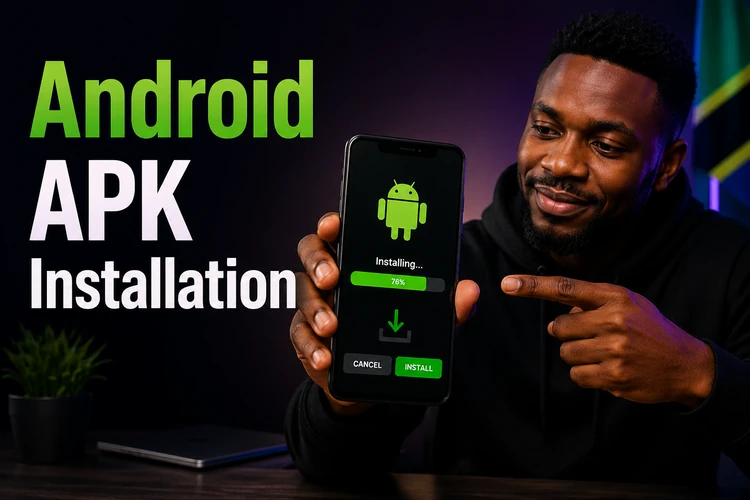
If Android reports a parsing error or refuses the file, the download may be incomplete, the device may be incompatible, or an older copy may still be present. Delete the file, restart the phone, check storage, and download it again. Turn the installation permission off after setup if you do not normally install apps from outside the store.
Version for iOS
At present, iPhone users should use the PMBet mobile website through Safari if a standalone application is not offered in their local App Store. Open the site, tap the Share button, choose Add to Home Screen, and confirm the shortcut. The new icon opens the service more conveniently, although it still requires an internet connection.
The browser version can be used for account access, sports markets, casino games, deposits, and withdrawals. Safari settings, content blockers, and private browsing can affect login sessions, so disable a blocker temporarily if a page does not load correctly.
APK Versions
Use the newest APK available from the official source whenever possible. Updates may correct bugs, improve compatibility, or change how the app connects to the service. Installing a newer package over the existing installation normally preserves the account, but confirm that you remember your login details before updating.
An old APK may stop working when the service changes its technical requirements. Keep an earlier file only as a temporary fallback and avoid downloading old versions from unknown sites. If an update causes crashes, record the phone model and Android version, then contact support before removing account data.
Features
Sports users can move between pre-match and live markets, filter events by sport or competition, and review selections in the bet slip before confirming. Casino users can open available slots and table games from the casino section. Availability, odds, game content, and minimum stakes can change, so check the details displayed in the app before placing a bet.
The account area normally contains deposits, withdrawals, profile settings, notifications, and betting history. Review the stake, odds, and possible return before submitting a bet. Payment processing times depend on the selected method and any checks required. Keep login details private and use a screen lock on a shared or easily accessible phone.
Troubleshooting
If the APK will not install, check the file size, free storage, Android version, and installation permission for the browser or file manager. A second download is often necessary after an interrupted transfer. Do not use a modified APK to bypass an installation warning.
If the app closes at launch, restart the device and clear the app cache. Clearing app data gives the app a fresh start but removes the saved session, so make sure the password is available first. Persistent crashes can indicate an incompatible operating system, limited memory, or a problem with the current release.
For login or loading errors, test the connection in another browser, switch between Wi-Fi and mobile data, and check that the device date and time are set automatically. If a server error continues, wait briefly and try again rather than repeatedly submitting a payment or bet.
When support is needed, use the contact page and include the device model, operating system, app version, exact error message, and the time of the problem. Never send a password, PIN, or full payment credentials in a support request.
FAQ
Downloading and installing the application does not itself cost money. Mobile data charges may apply, and any money used for deposits or bets is separate from the download. Check the file source before installing so you do not pay a third party for an APK.
Yes. The same account can generally be used on the Android application and the mobile website. Your balance and betting history are linked to the account, but you need an active internet connection to view current information.
Open the official PMBet download page and compare the available file with the version on your phone. Download the current APK and install it over the existing application. Keep your login details available in case the update ends the saved session.
Android may block files installed outside the Play Store by default. In Settings, allow installation only for the browser or file manager you used, then return to the APK. If the file came from an unofficial source, do not override the warning; obtain a fresh file from the official website instead.
No betting, account verification, live odds, or payment request can be completed without an internet connection. The application or home-screen shortcut may open, but current account data and transactions require communication with the service.
Check the phone's battery-saving and background restrictions, since some devices close apps aggressively. Also check that a cleaner tool is not deleting app data. If the problem remains, clear the cache, sign in again, and contact support with your device and app version.