











This page explains how to access your PMBet account securely from Tanzania. You can sign in through a browser or the Android app, create an account, verify your phone number, or reset a forgotten password. Use the official platform and avoid entering personal details on links received from unknown messages.
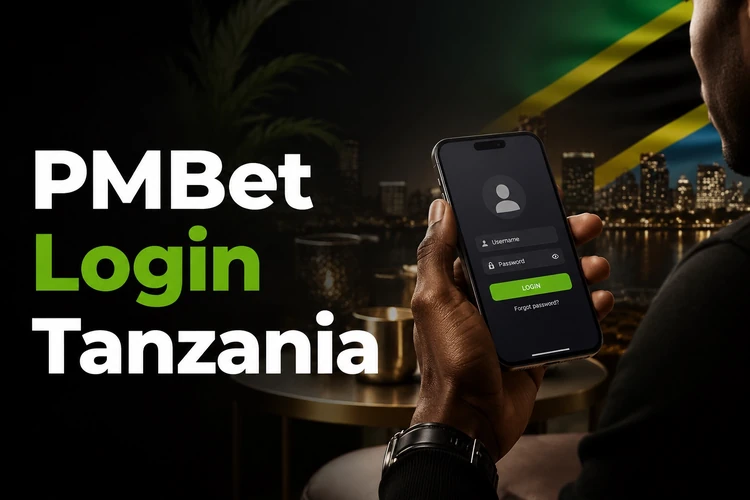
A registered account gives you one place to review your balance, betting activity, and available games on desktop or mobile. Keep your phone number current, use a private device where possible, and sign out when you finish on a shared phone or computer.
PMBet Login
To sign in, open the PMBet site in your browser and select the login button. Enter the phone number linked to your account and your password, then check the details before submitting the form. If the page does not load properly, refresh it or try a stable mobile-data or Wi-Fi connection.
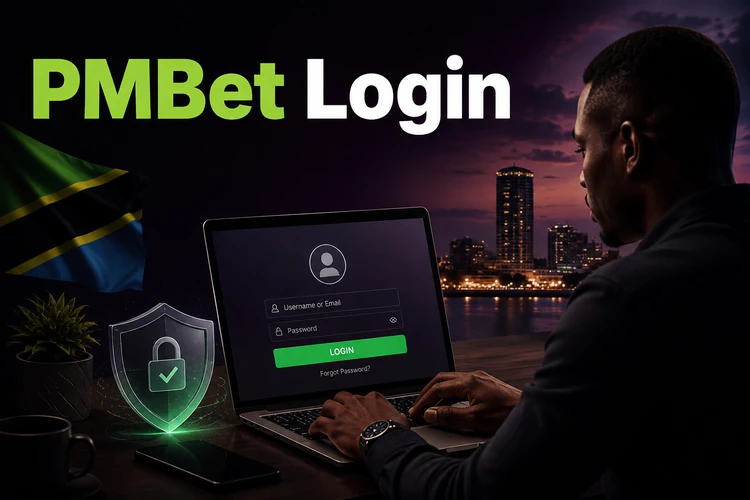
The mobile version uses the same account details as the desktop site and adjusts the form for a smaller screen. If you use Android, the Android app download page provides the installation information. After installation, use the same registered phone number and password; your account balance and activity are tied to the account rather than to one device.
Do not share your password or any SMS confirmation code. Avoid saving credentials in a public browser, and lock your phone with a PIN, pattern, or biometric screen lock. If you notice activity you do not recognise, change the password and contact support before making further payments.
PMBet Registration
New users need to register before they can use account features. Select the registration option on the homepage and provide a valid Tanzanian phone number, your date of birth, and a password. Use a number that you control, as it is used to confirm the account and help with recovery later.
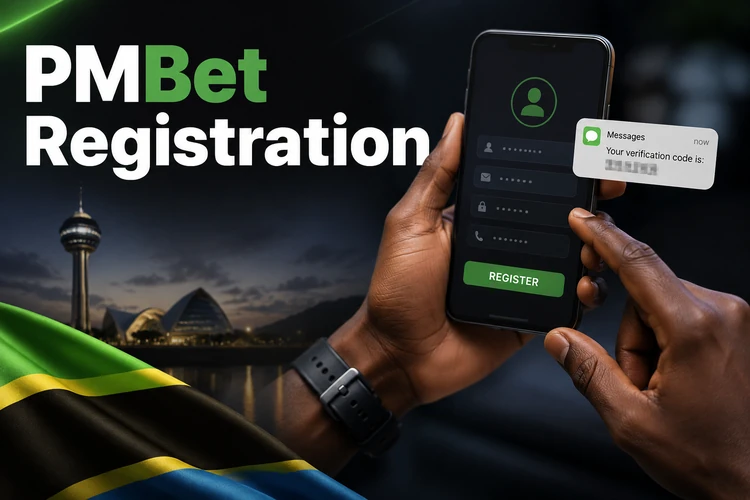
The platform sends a confirmation code by SMS. Enter it only on the registration screen and never forward it to another person. Check that your name and date of birth are accurate before completing the form, since account details may be needed if support has to confirm ownership.
Once the number is confirmed, you can sign in and manage the account from a phone or computer. A registered account is also where you can review deposits, withdrawals, betting records, and account messages. Gambling is for adults aged 18+; set a spending limit before funding your account and use the tools described on the responsible gambling page if play stops feeling manageable.
Login Through the App
The Android app provides access to the same account from a mobile device. Install it only from the official download source, open the app, and select the login option. Enter the credentials you created during registration rather than creating a second account.
Check that your device has enough storage and is running a supported Android version before installing updates. Keep the app updated when a new version is offered, as updates can address stability and security issues. On a lost or borrowed phone, do not leave an active session open.
A mobile connection and Wi-Fi use the same sign-in steps. For privacy, avoid logging in over an unfamiliar public network. If you must use one, do not save the password and sign out as soon as you have finished checking your account.
Account Recovery
If you forget your password, use the recovery link on the login screen. Enter the phone number registered to the account and follow the SMS instructions to set a new password. Make sure you are on the official login screen before requesting a reset code.
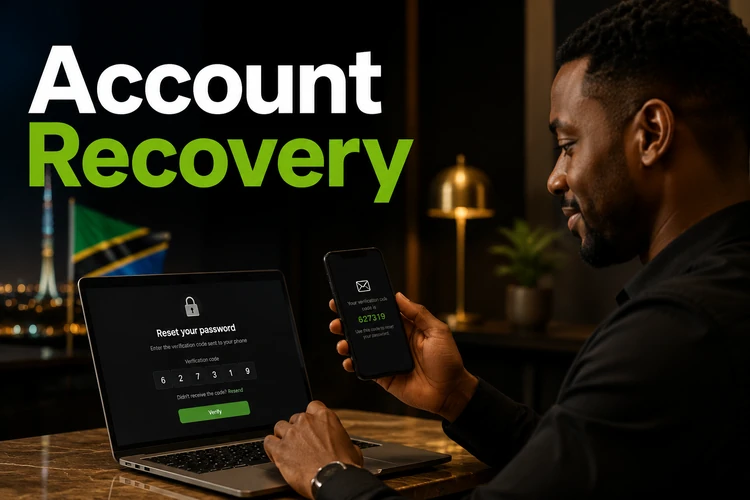
Create a new password that is difficult to guess. A longer combination of letters and numbers is safer than a familiar name, birth year, or simple sequence. Do not reuse a password that protects your email or financial accounts, and do not share the reset code with anyone claiming to be support.
If you no longer have access to the registered number, use the contact page to reach support. Be ready to provide the account details requested to confirm ownership. Support may need time to review the request, so do not attempt repeated registrations while the recovery issue is being resolved.
How to Activate Your PMBet Account
Account activation normally begins when you confirm the SMS code sent during registration. Complete this step promptly and make sure the phone number belongs to you. If the code does not arrive, check signal coverage, wait a few minutes, and request a new code only when the option is available.
Additional verification may be requested before certain account actions, including withdrawals. Follow the instructions shown in your account and submit only clear, valid documents when asked. Details on a document should match the information entered at registration; mismatched details can delay the review.
After activation, review your personal details and keep them accurate. Use a single account, store your password safely, and monitor transaction notifications. These simple checks make it easier to regain access and help protect the account from unauthorised use.
FAQ
Open the PMBet site or Android app, select the login option, and enter your registered phone number and password. Check that you are using the official platform before entering your details.
Select registration on the homepage, enter your phone number, date of birth, and password, then confirm the SMS code sent to your phone. Use a number you control for future account recovery.
Your account activation starts when you verify your phone number with the SMS code during registration. Further verification may be requested for some account actions, such as withdrawals.
Yes. Install the Android app from the official download source and log in with the same phone number and password used on the website. Your account information is available across devices.
Use the password recovery link on the login screen, enter your registered phone number, and follow the SMS steps to create a new password. Contact support if you no longer have access to that number.
Yes. You can access your account through a mobile browser or the Android app. For safety, use a private device where possible and sign out after using a shared phone.